Best AI Video Generators in 2026: 8 Tools Compared
AI video generation in 2026 is past the demo phase — but ranking the best AI video generators 2026 has available is tricky because they aren’t interchangeable. Some generate cinematic clips from a text prompt, others put an AI presenter in front of a script, and others assemble full videos from your articles using stock footage. Pick the wrong category and your subscription is wasted.
Marketers, course creators, freelancers, and small businesses use these tools to make video without cameras, actors, or editing suites. Keep expectations realistic: most text-to-video tools generate 5–10 second clips, faces and hands still glitch, and free plans usually watermark exports and exclude commercial rights.
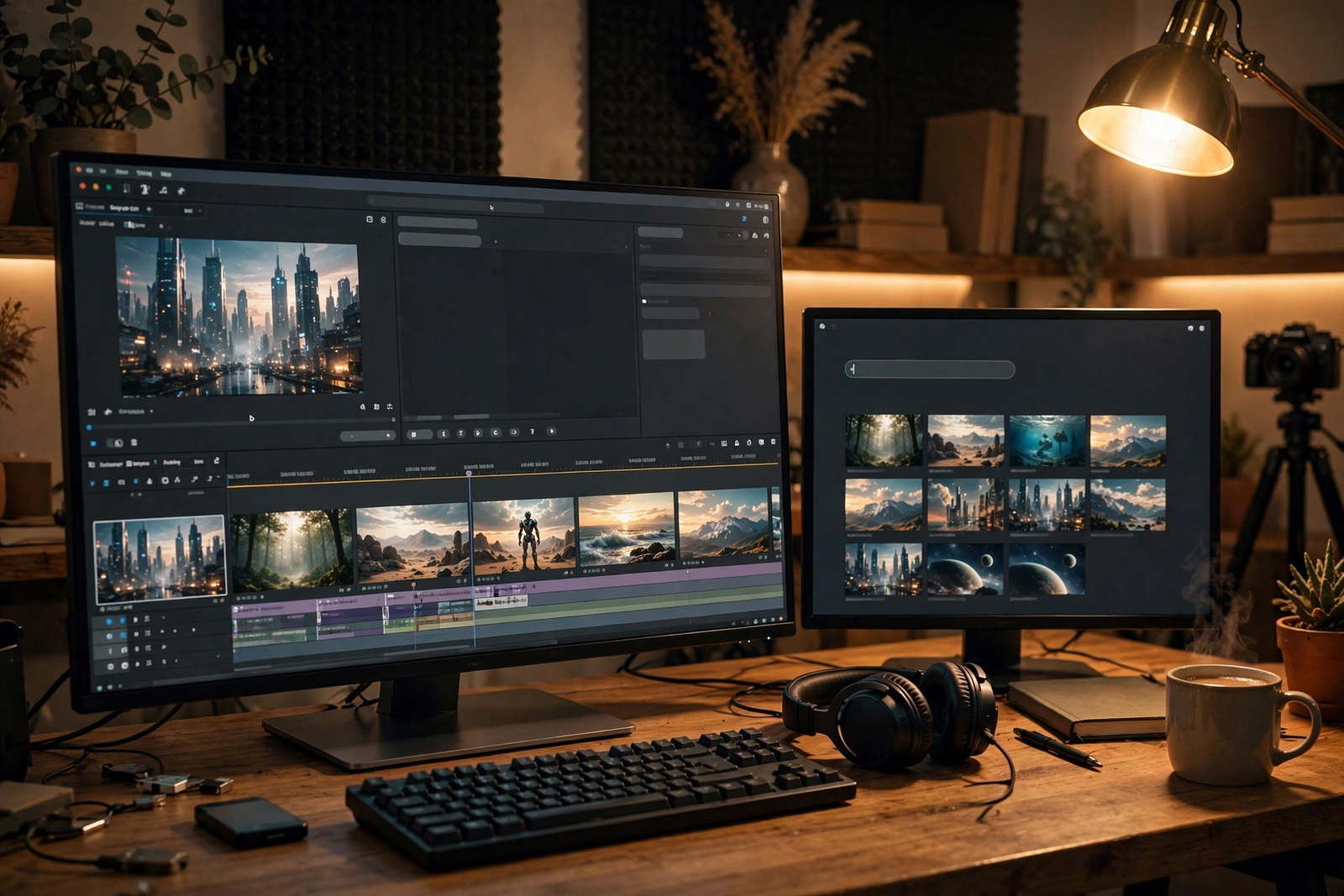
Best AI Text-to-Video Generators
These create new video from a written description or still image — output is short clips you assemble in an editor.
Runway
Runway‘s Gen-4.5 is the benchmark for controllable AI video: text-to-video, image-to-video, camera-direction controls, and a motion brush. Best for filmmakers and agencies. Advantages: best-in-class quality and control. Limitations: 2–10 seconds per generation (extendable to ~40); credits burn fast at roughly 12 per second. Pricing: free plan with 125 one-time watermarked credits; paid from about $12/month (annual billing) for 625 credits, with commercial rights on paid plans. Example: an agency generates six product-shot variations and keeps the two strongest.
Pros: top quality and control. Cons: high credit burn.
Pika
Pika (Pika 2.5) is the low-friction pick for quick social clips: text-to-video and image-to-video plus Pikaffects effects and lip-sync. Best for social creators. Advantages: the cheapest entry of the serious generators. Limitations: polish trails Runway, and product accuracy can be unreliable. Pricing: free tier with 80 monthly credits at 480p; paid from about $8/month (annual billing) for 700 credits, with commercial use listed on paid plans. Example: a social media manager animates a still product photo into a 5-second Reels hook.
Pros: cheapest serious entry. Cons: lower realism.
Luma
Luma — formerly Dream Machine, now built around the Ray 3.2 model — is known for smooth, natural motion and photorealistic lighting, and hosts partner models in one interface. Best for cinematic b-roll. Limitations: native clips are 5–10 seconds, the ceiling is 1080p, text-to-video has no native audio, and character consistency trails competitors. Pricing: a limited free starter tier (watermarked, personal use); paid plans start at $30/month with commercial rights. Example: a YouTuber generates ambient b-roll — rain on a street, fog over mountains — to layer under narration.
Pros: natural motion. Cons: short clips; no native audio.
Sora
OpenAI’s Sora is the most talked-about video model, but access has been the story rather than the features. At the time of writing, Sora is not a simple standalone product: availability has shifted during 2026, access is tied to OpenAI’s subscriptions and varies by region, and OpenAI publishes no simple pricing page. Any online claim about “how to get Sora” may already be outdated — check OpenAI’s official site, and keep a fallback tool in mind.
Best AI Avatar and Presenter Tools
These put an AI presenter on screen to read your script — the right choice for training, explainers, and talking-head content without filming.
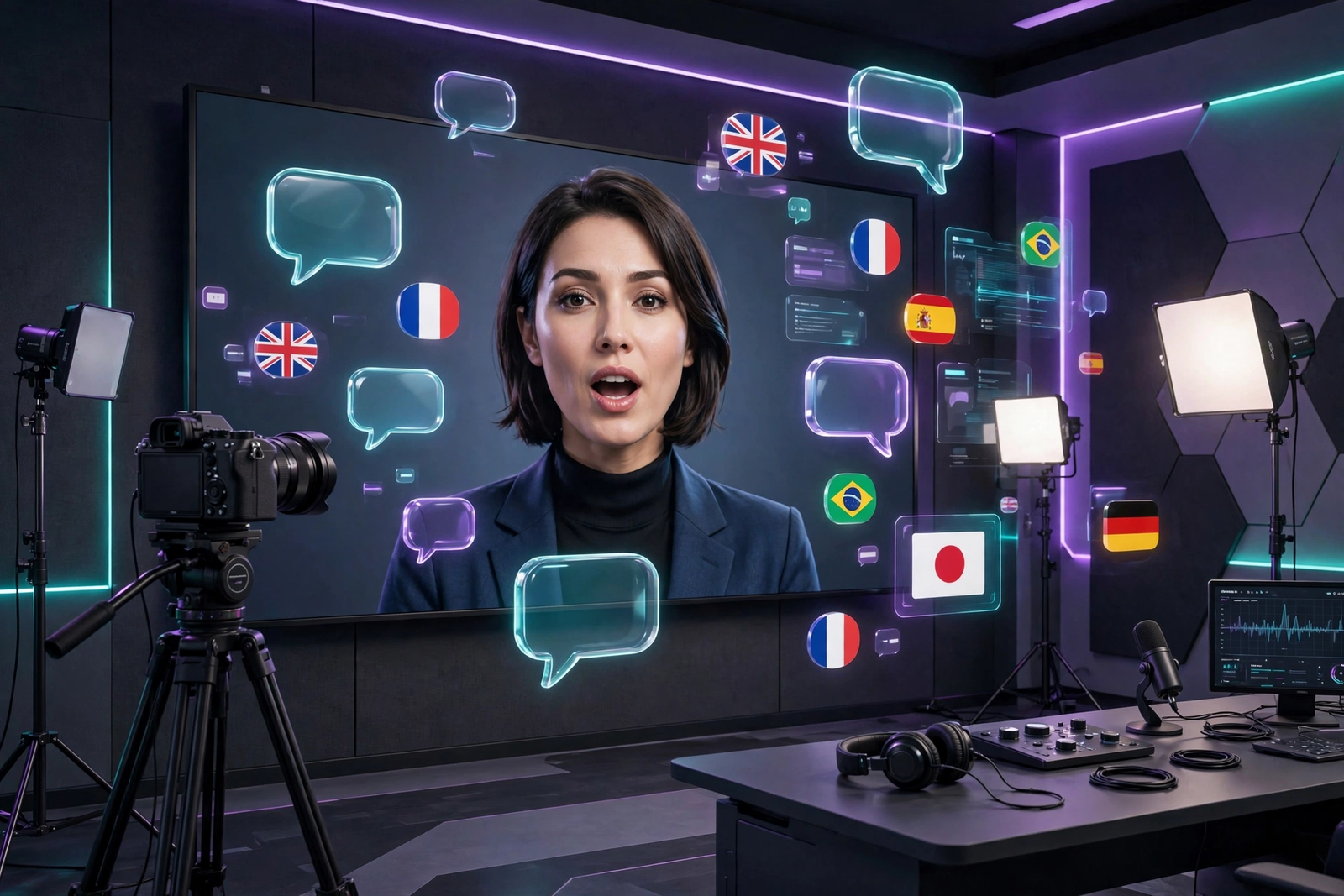
Synthesia
The established avatar platform for corporate training and onboarding: type a script, pick from 125+ avatars, get a presenter-led video in 140+ languages. Advantages: professional avatars, strong compliance (SOC 2, GDPR), and consent-gated custom avatars. Limitations: neutral, scripted delivery — fine for training, weak for marketing. Pricing: free Basic plan (about 10 minutes per month, watermarked); Starter around $29/month ($18/month annual); Creator around $89/month ($64/month annual), with commercial rights on paid plans. Example: a company refreshes a 12-module safety training in a day by editing scripts instead of reshooting.
Pros: professional avatars; compliance. Cons: flat delivery.
HeyGen
The more creator-friendly avatar tool — its video translator, turning one recording into 175+ languages with matched lip-sync, is its standout feature. It also offers voice cloning and custom digital twins. Limitations: real costs are hard to predict — premium avatars burn credits far faster than standard ones. Pricing: free plan with about 1 minute per month, watermarked, non-commercial; Creator around $29/month ($24/month annual) with 15 credits and commercial rights; Pro around $99/month. Example: a freelancer records one 90-second explainer, then ships Spanish and French versions the same day.
Pros: excellent translation and lip-sync. Cons: unpredictable credit burn.
Best AI Script-to-Video and Marketing Video Tools
These assemble complete videos from your script or prompt using stock footage, templates, and AI voiceovers — editing automation, not footage generation.
Pictory
Turns blog posts, webinars, and scripts into captioned videos by auto-selecting stock clips, music, and AI voiceovers. Best for bloggers and faceless channels repurposing written content. Advantages: near-zero learning curve. Limitations: it can’t invent shots outside its stock library, so output looks “clean and competent” rather than cinematic. Pricing: no free-forever plan — only a 14-day trial (3 watermarked projects); paid from about $25/month (annual billing) for 200 video minutes, with premium ElevenLabs voices on higher tiers. Example: a blogger converts a 2,000-word article into a captioned Short with auto-selected stock footage.
Pros: fastest article-to-video path. Cons: generic stock look.
InVideo AI
Builds complete marketing videos from a single prompt — script, stock media, templates, AI voiceover assembled in minutes — with a conversational “Magic Box” for edits. Best for social ads and promos. Advantages: the fastest prompt-to-finished-video pipeline here, with third-party generative models on paid plans. Limitations: the credit system is complex and burns fast at high quality. Pricing: free tier with watermarked 720p exports; paid from about $25/month (Plus), rising steeply for higher tiers — pricing varies by region, so check the official site. Example: a shop owner types “30-second Facebook ad for my handmade soap” and gets a captioned promo with voiceover in minutes.
Pros: fastest complete-video output. Cons: opaque credits.
Comparison Table: Best AI Video Generators at a Glance
| Tool | Type | Best For | Free Plan | Starting Price | Main Limitation |
|---|---|---|---|---|---|
| Runway | Text-to-video | Cinematic clips, ads | Yes (125 one-time credits) | $12/mo (annual) | High credit burn |
| Pika | Text-to-video | Social clips | Yes (80 credits/mo) | $8/mo (annual) | Lower realism |
| Luma | Text-to-video | Natural-motion b-roll | Limited starter tier | $30/mo | No native audio; short clips |
| Sora | Text-to-video | Realistic storytelling | No | Varies by OpenAI plan | Unstable availability |
| Synthesia | AI presenter | Corporate training | Yes (~10 min/mo) | $29/mo | Flat emotional delivery |
| HeyGen | AI presenter | Translated/marketing video | Yes (~1 min/mo) | $29/mo | Unpredictable credit burn |
| Pictory | Script-to-video | Repurposing articles | Trial only | $25/mo (annual) | No original footage |
| InVideo AI | Prompt-to-video | Social ads, promos | Yes (watermarked) | ~$25/mo | Complex credit system |
Pricing changes frequently — check official websites for the latest plans.
How to Choose the Right AI Video Generator
Start with the type of video you need: cinematic shots → Runway or Pika; a presenter → Synthesia or HeyGen; articles-to-social-clips → Pictory or InVideo AI. Set a realistic budget: entry plans look cheap, but credit pricing means real cost depends on renders — failed attempts burn credits too. Test quality on the free tier, confirm commercial licensing first, and weigh control: templates are fast but rigid; clip generators are slower but fully controllable.
A Practical Workflow — and Mistakes to Avoid
A workflow that works: script first; choose the tool by video type; generate scenes in short clips, changing one prompt element at a time; edit and assemble in a real editor; add voiceover and music; review for artifacts — faces, hands, text, continuity; publish and back up files.
- Ignoring free-plan licenses — most forbid commercial use and add watermarks.
- Expecting long films — tools make 5–10 second clips; narratives are stitched together.
- Publishing unreviewed AI faces and hands — artifacts are common and obvious.
- Assuming character consistency — the same person looks different across clips.
- Paying before testing — run real prompts on the free tier first.
Frequently Asked Questions
Can I use AI-generated videos commercially?
Usually yes on paid plans — every tool here includes commercial rights on paid tiers. Free plans are the risk: watermarks, non-commercial terms, or both.
Which is best for talking-head videos?
Synthesia or HeyGen. Synthesia suits corporate training; HeyGen suits creators, especially for translated videos with lip-sync.
How long can AI video clips be?
Single text-to-video generations are 5–10 seconds; some extend to 20–40. Avatar tools render much longer videos because the presenter is composited, not regenerated per frame.
Is there a good free AI video generator?
For testing: Runway (125 one-time credits), Pika (80 monthly credits), InVideo AI (watermarked free tier). None is a production budget.
Why do AI videos have weird hands and faces?
Models predict pixels frame by frame without anatomical understanding, so fingers and faces distort in motion. Review every clip and avoid hand close-ups.
Text-to-video or AI avatar — which should I choose?
Text-to-video when you need visuals that don’t exist. AI avatar tools when a human presenter explaining something is the format.
Can AI video generators replace a video editor?
Not yet. They replace specific tasks — generating b-roll, animating a photo, rendering a presenter take — but pacing and final review still need human judgment.
Conclusion
Of all the best AI video generators 2026 offers, none is universal. Runway leads for cinematic control, Pika for cheap social clips, Luma for natural motion, Synthesia and HeyGen for AI presenters, and Pictory and InVideo AI for turning scripts into marketing videos. Match the tool to the video type, budget for credit-based pricing, verify commercial rights, and review every clip.