Best AI Image Generators in 2026: 6 Tools Compared With Honest Pricing and Rights
AI image generation has moved from novelty to production tool: designers mock up concepts in an afternoon, bloggers illustrate posts without stock photos, and small businesses design their own ads. The technology is good enough now that the bottleneck is choosing the right tool.
That choice affects your wallet and your liability: what each image costs, who owns the output, and whether you can legally sell it. This guide compares six leading AI image generators — Midjourney, ChatGPT, Firefly, Ideogram, Leonardo AI, and open Stable Diffusion / Flux models — with honest pricing, commercial rights, real limitations, and practical examples.
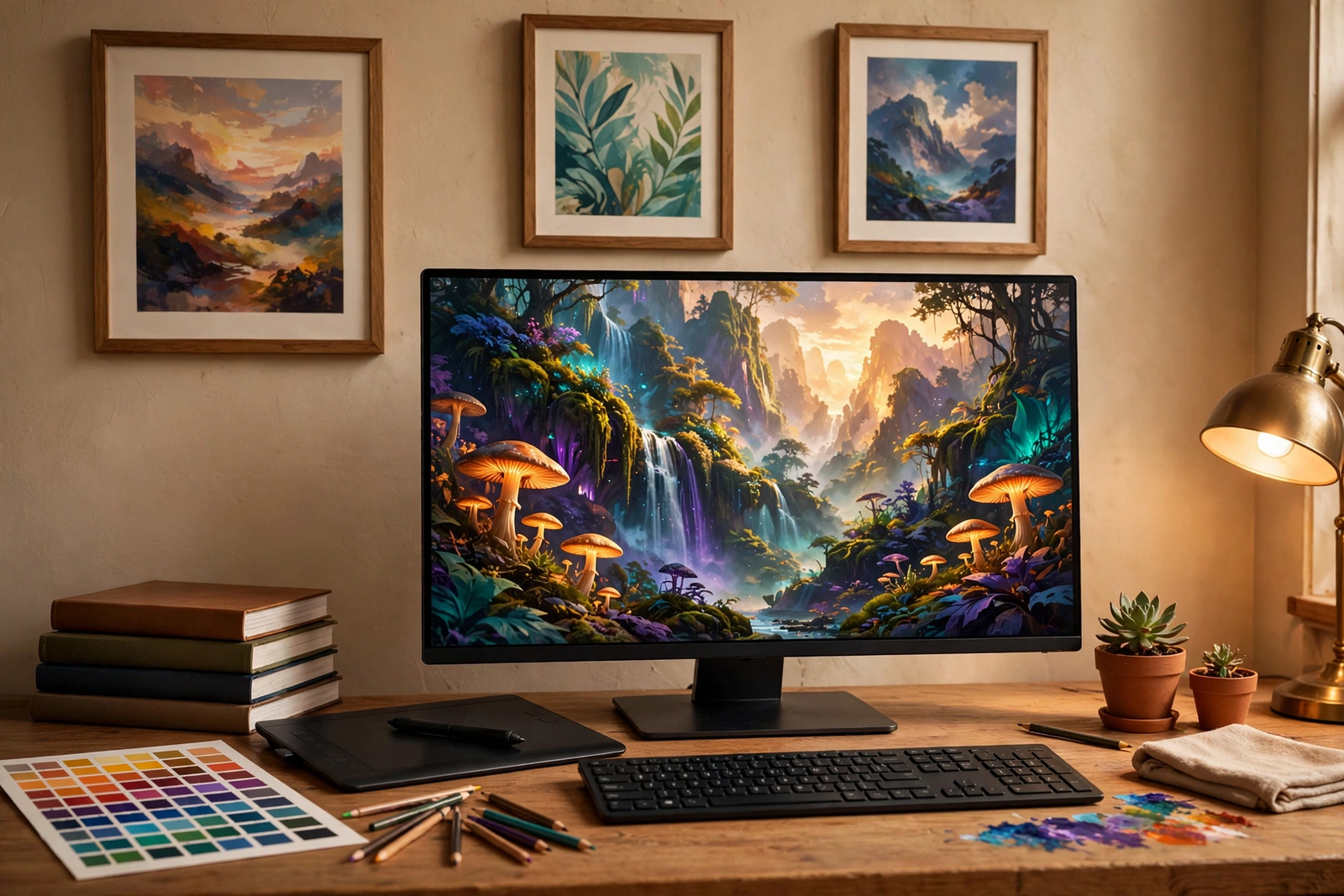
Midjourney
The aesthetic leader: cinematic, detail-rich images with the best default quality of any closed tool. Best for designers willing to learn prompting. Limitations: no free tier or trial; generations are public by default below the Pro plan; unreliable text rendering; unresolved Disney/Universal and Warner Bros. lawsuits over training data. Pricing: Basic $10/month (~200 images), Standard $30, Pro $60, Mega $120. Commercial rights: full rights on paid plans, but companies over $1M in revenue must use Pro or Mega. Example: a designer generates ten hero images, then refines the winner in Photoshop.
Pros: unmatched aesthetic quality. Cons: no free tier; public-by-default images.
ChatGPT Image Generation (formerly DALL-E 3)
OpenAI’s image generation inside ChatGPT is the most accessible option. In 2026 the DALL-E 3 interface was replaced by ChatGPT Images, powered by the newer gpt-image-2 model. ChatGPT expands your prompt automatically, and you iterate in plain language. It renders text inside images well and follows complex scenes reliably. Best for beginners and content creators. Limitations: slower generation; less stylistic control than Midjourney; outputs carry an invisible AI watermark (it affects disclosure, not licensing). Pricing: limited generation free; Plus $20/month for regular use. Commercial rights: OpenAI’s terms allow commercial use on all tiers. Example: a blogger illustrates posts by describing each topic in plain language.
Pros: easiest to use; commercial rights on all tiers. Cons: less stylistic control.
Adobe Firefly
The safest choice for commercial client work. Adobe trained Firefly on licensed Adobe Stock images, openly licensed content, and public-domain material, so outputs carry far less legal risk than models trained on scraped web images. Enterprise plans add IP indemnification, and Content Credentials record each file’s AI origin. It works inside your existing tools — Generative Fill runs directly in Photoshop. Best for Adobe-ecosystem designers. Limitations: image quality trails Midjourney; standalone credit limits are tight for heavy users. Pricing: free plan with 25 credits per month; Premium from $4.99/month (commercial rights); Standard $9.99/month (2,000 credits). Example: a freelancer extends a product photo’s background with Generative Fill.
Pros: safest licensing; works inside Photoshop. Cons: quality trails Midjourney for art.
Ideogram
The specialist for text inside images. Where most generators produce garbled lettering, Ideogram renders readable words and typography reliably — the go-to for posters, thumbnails, and ads. Magic Prompt expands short descriptions; the Canvas editor handles targeted edits. Best for marketers and print-on-demand sellers. Limitations: free-tier generations are public, so private work needs a paid plan; photorealism trails Midjourney; non-Latin scripts render poorly. Pricing: free tier with daily generations; Plus $20; Pro $60. Commercial rights: full rights on paid plans; check current official terms for the free tier, as sources differ. Example: a marketer generates a YouTube thumbnail with accurate headline text, then resizes it for other platforms.
Pros: readable text in images; generous free tier. Cons: weaker pure artistry.
Leonardo AI
A multi-model library (Phoenix, PhotoReal, anime presets), an AI Canvas, custom LoRA training, and a character-consistency engine — behind a genuinely useful free tier. Best for game artists and control-oriented creators. Limitations: real interface complexity — model selector, token math, settings panels; unreliable text rendering; token pricing makes cost comparison fuzzy. Pricing: free (150/day, public); Apprentice $12; Artisan $30; Maestro $60. Commercial rights: commercial use on paid plans; free-tier generations are public, so client work belongs on a paid plan. Example: an indie developer trains a custom LoRA for consistent character portraits.
Pros: best free tier; deep feature set. Cons: complex interface; weak text rendering.
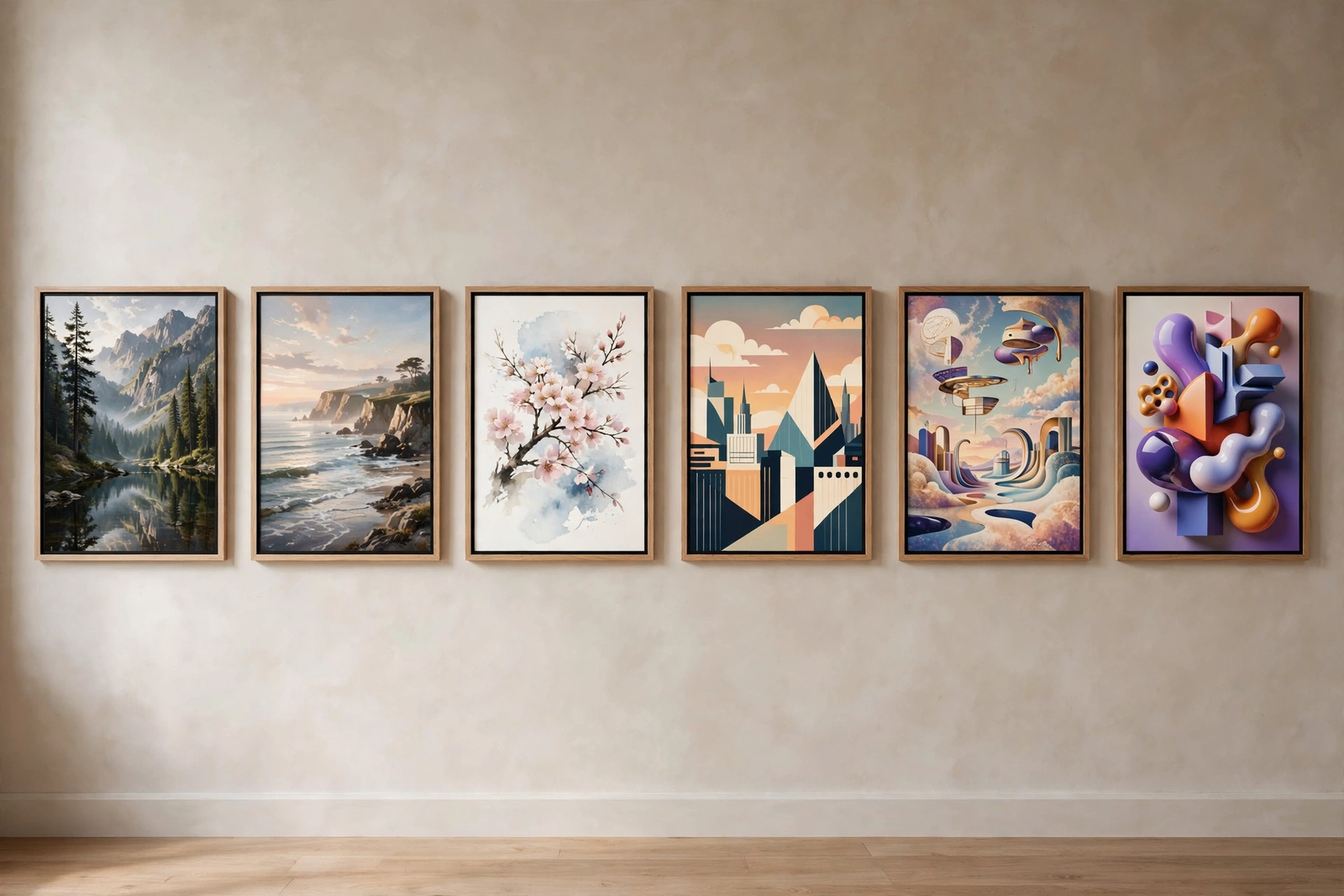
Stable Diffusion and Flux (Open Models)
Open-weight models you run yourself — locally on your own GPU or through hosted services — with no per-image fee after setup. The ecosystem is enormous: thousands of fine-tunes, LoRAs, ControlNet, and ComfyUI. Licensing varies: SDXL is fully permissive; Stable Diffusion 3.5 allows commercial use under $1M in annual revenue; FLUX.1-schnell is Apache 2.0 (unrestricted) while FLUX.1-dev is non-commercial — check each model’s license. Best for developers automating image generation at scale. Limitations: real setup cost — a capable GPU (12 GB VRAM or more); default quality trails closed models; the Getty vs. Stability AI lawsuit leaves training-data legality unresolved. Pricing: weights are free; your cost is hardware or cloud GPU rental. Example: a content site automates blog headers with a local Flux model.
Pros: zero per-image cost; full privacy and control. Cons: technical setup; hardware required.
Comparison Table: Best AI Image Generators 2026
| Tool | Best For | Free Plan | Starting Price | Commercial Rights | Main Limitation |
|---|---|---|---|---|---|
| Midjourney | Stunning art, concept design | No | $10/mo | Yes, paid plans ($1M+ needs Pro/Mega) | No free tier; weak text rendering |
| ChatGPT Images | Beginners, quick iterations | Limited | $20/mo (Plus) | Yes, all tiers per OpenAI terms | Less stylistic control |
| Adobe Firefly | Safe client work, Photoshop users | Yes (25/mo) | $4.99/mo (Premium) | Yes; safest licensing, IP indemnification | Quality trails Midjourney |
| Ideogram | Text in images, posters, ads | Yes | $20/mo (Plus) | Yes on paid plans | Public free generations |
| Leonardo AI | Features, game art, learning | Yes (150/day) | $12/mo (Apprentice) | Yes on paid plans | Complex interface; weak text |
| Stable Diffusion / Flux | Scale, privacy, automation | Self-hosted | Free (own GPU) | Varies by model — check it | Technical setup required |
Prices change frequently — check official websites for the latest plans.
How to Choose the Right AI Image Generator
Match the tool to your use case first: readable text (Ideogram), gallery-quality art (Midjourney), licensing safety (Firefly), or programmatic volume (open models you host). Then set a budget in annual terms — three $20 subscriptions cost $720 a year. Check commercial licensing before generating anything for a client: free tiers often exclude commercial use, and some models gate rights by company revenue. Read the privacy terms — free-tier generations are often public. Finally, weigh style: every model has a bias, and matching it to your project saves hours of prompting.
An AI Image Workflow That Works
Idea: define the image’s job. Prompt drafting: cover subject, setting, style, lighting. Generate variations: produce several options at once. Select and refine: pick the strongest, change details. Upscale and edit: clean the winner — fix hands, faces, text manually. License check: confirm your plan’s commercial rights cover this use. Delivery: export at the right resolution and keep the prompt on file.
Mistakes to Avoid
- Ignoring commercial-license terms. Free-tier outputs often can’t be sold or used in client work.
- Publishing unedited AI images. Artifacts and mangled text survive unreviewed generations — always edit before delivery.
- Generating trademarked characters. Models will produce recognizable characters; using them commercially is a legal risk regardless of the tool’s license.
- Over-relying on one style. Every model’s default look is recognizable — vary tools and styles.
- Assuming generated images are copyrightable. In most jurisdictions they aren’t.
- Paying before testing. With free tiers everywhere, generate twenty images first.
Frequently Asked Questions
Can I sell AI-generated images?
Usually yes on paid plans, with conditions. Check the free tier first — several exclude commercial use or make generations public. Watch revenue thresholds: Midjourney requires Pro or Mega for companies over $1M; Stable Diffusion 3.5 caps commercial use at $1M. But owning an image isn’t copyrighting it: in the US and most jurisdictions, purely AI-generated images aren’t copyrightable.
Which AI image generator is best for photorealism?
Midjourney is the most consistent pick for photographic, cinematic realism. Flux’s open models are close and free to run locally with the right hardware. Firefly is capable but a step behind. Expect to upscale and retouch — no generator nails fine detail consistently.
Is there a good free AI image generator?
Yes, with trade-offs. Leonardo’s free tier (150 tokens daily) is the most generous for quality work; Ideogram’s is excellent for images with text; ChatGPT offers limited free generation with commercial rights. For unlimited free generation, FLUX.1-schnell or Stable Diffusion run free locally with a capable GPU.
Why does text in my AI images look garbled?
Most models learned shapes before spelling. For headlines or logos, use Ideogram or ChatGPT’s image generator — both render text far more reliably. Keep text short and zoom in to check spelling: a word like “SALE” can easily come out as “SAEL”.
Can AI image generators match my brand style?
Approximately, not exactly. Reference-image features (Midjourney’s style reference, Leonardo’s LoRA training) get close to a visual direction, but exact fonts, colors, and recurring characters still need manual work. Generate the base image with AI, then finish brand-critical details in an editor.
Are AI image generators safe for business use?
Safer than they were, riskier than vendors claim. Firefly has the cleanest legal position — licensed training data plus enterprise IP indemnification. But training-data lawsuits (Disney/Universal vs. Midjourney, Getty vs. Stability AI) remain unresolved as of 2026.
Conclusion
There is no single best AI image generator in 2026 — only the best one for your job. Midjourney wins on beauty, Ideogram on text, ChatGPT on ease, Firefly on legal safety, Leonardo on free-tier value, and open models on cost and control. Test them against real projects before subscribing — the tool generates, but you deliver.
Pingback: How to Make Money with AI Tools: 6 Real Ways (2026)